プロフィールアイコン
Cloud DevOps ArchitectSRE

Soushi Hiruta

ソウシ ヒルタ
Cloud DevOps ArchitectSRE

Soushi Hiruta

ソウシ ヒルタ
プロフィールアイコン

(AIで自動生成されました)
Hi, I'm Soushi Hiruta, a Cloud DevOps Architect at AWS. As a 2025 AWS Community Builder (Container), I have expertise in cloud DevOps architecture. My specialist skills include Kubernetes, microservice architecture, and Infrastructure as Code (IaC) using tools like AWS CDK. I'm passionate about cloud technologies and enjoy contributing to the developer community. You can find my technical articles and presentations on platforms like Zenn, LinkedIn, and Dev Community.

もっと見る

Cloud DevOps ArchitectSRE
Soushi Hiruta
ソウシ ヒルタ

https://my.prairie.cards/u/ecf4a163526a
名刺画像に含まれるプレーリーカードロゴ
Facebook
Twitter
Linkedin
GitHub
プロフィールコンテンツ

Soushi Hiruta — DEV Community Profile

2025 AWS Community Builder (Container) My work is cloud DevOps architecture . Specialist skills are kubernetes and microservice architecture, IaC such as AWS CDK.

プロフィールコンテンツ

Refactoring with CloudFormation: A Safe Approach to Stack Changes | Soushi Hiruta posted on the topic | LinkedIn

Previously, changes like stack name modifications that altered the logical ID could trigger replacements, requiring meticulous migration planning.

However, by utilizing CloudFormation's refactoring feature, it is now possible to perform refactoring safely.
https://lnkd.in/ggiiRZMa

プロフィールコンテンツ

☁︎ VPC Peering vs. Transit Gateway: A Hands-On Guide to AWS Networking 🛡 | Soushi Hiruta

VPC Peering is simple conect to other VPC
When vpc should connect many VPC, connection is complex as routing.
Transsit Gateway is useful when vpc should connect many vpc .

プロフィールコンテンツ

Container カテゴリでAWS Commnity Builderに認定された件

プレーリーカードロゴ

今ならお友達がお得に
プレーリーカードを購入できます

紹介割ページ
新規登録 / ログイン
プロフィールページを作る
プレーリーカード公式ショップ

ページが完成しました 🎉

カードをスマートフォンにかざすと、あなたのプロフィールページが表示されます。

表示内容はプロフィールページ下の「プロフィールを編集する」からいつでも編集可能です。
Cloud DevOps ArchitectSRE
Soushi Hiruta
ソウシ ヒルタ
https://my.prairie.cards/u/ecf4a163526a
保存方法を選択
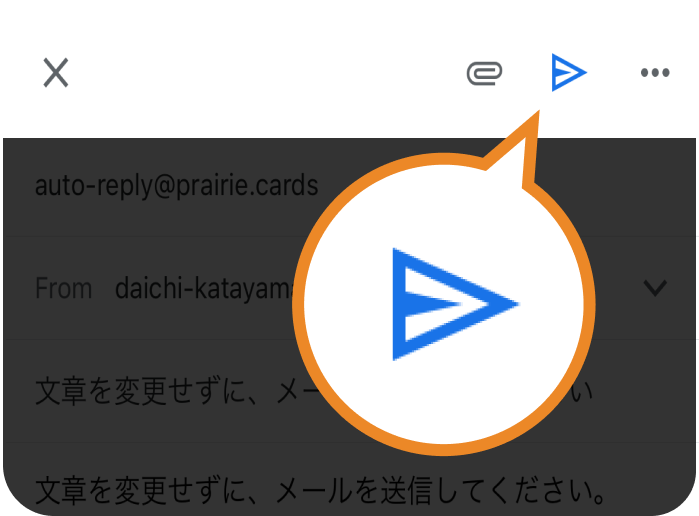
メールアプリを選び
送信ボタンをタップ
「Soushi...」さんの連絡先が
あなたの受信トレイにすぐ届きます
すでに送信済みです
「Soushi...」さんの連絡先はすでに送信済みです。
もう一度送信しますか?
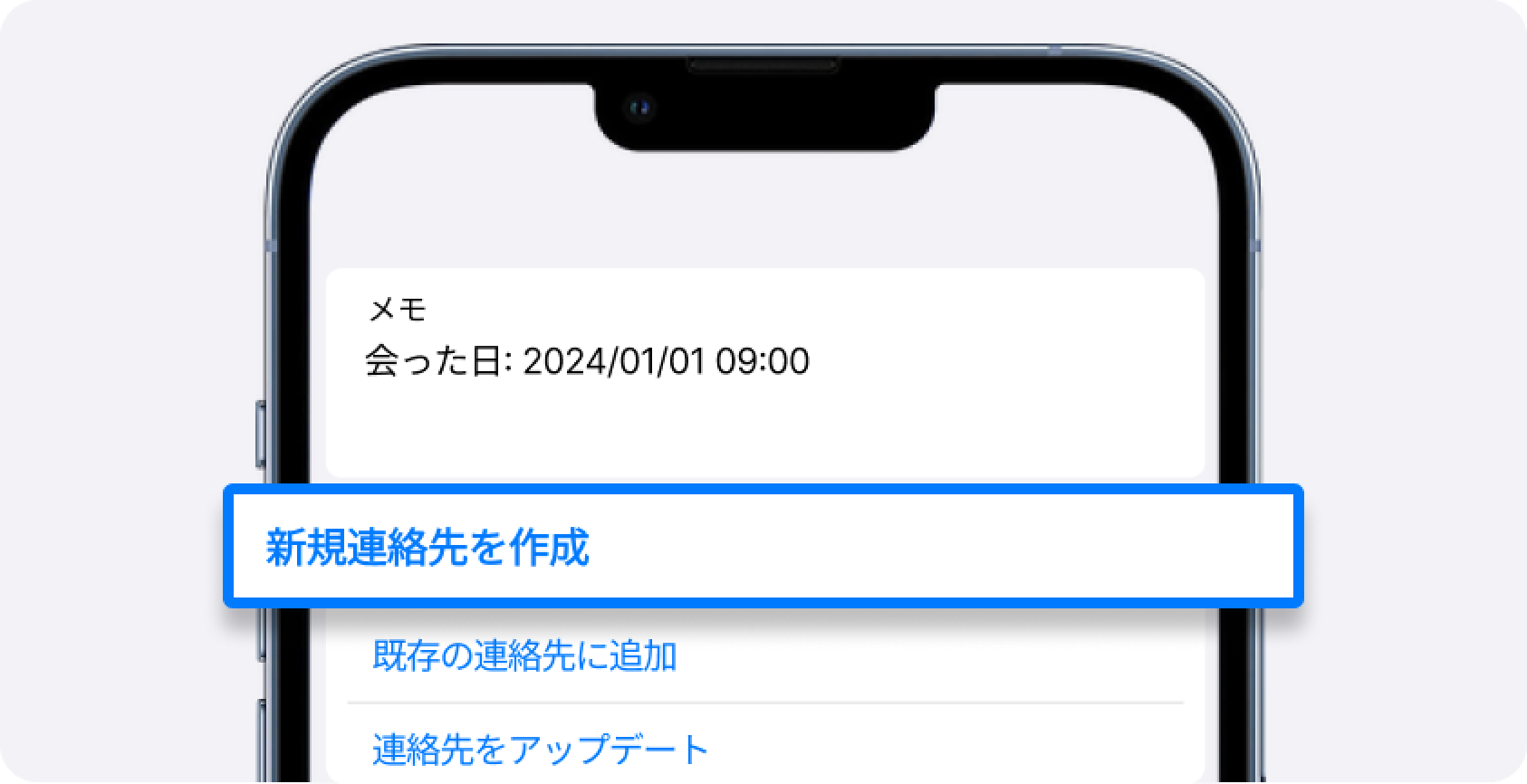
画面を下に進み
「新規連絡先を作成」
を押してください
連絡先アプリに保存